Should You Block GPTBot, ClaudeBot & PerplexityBot? AI Crawler Guide
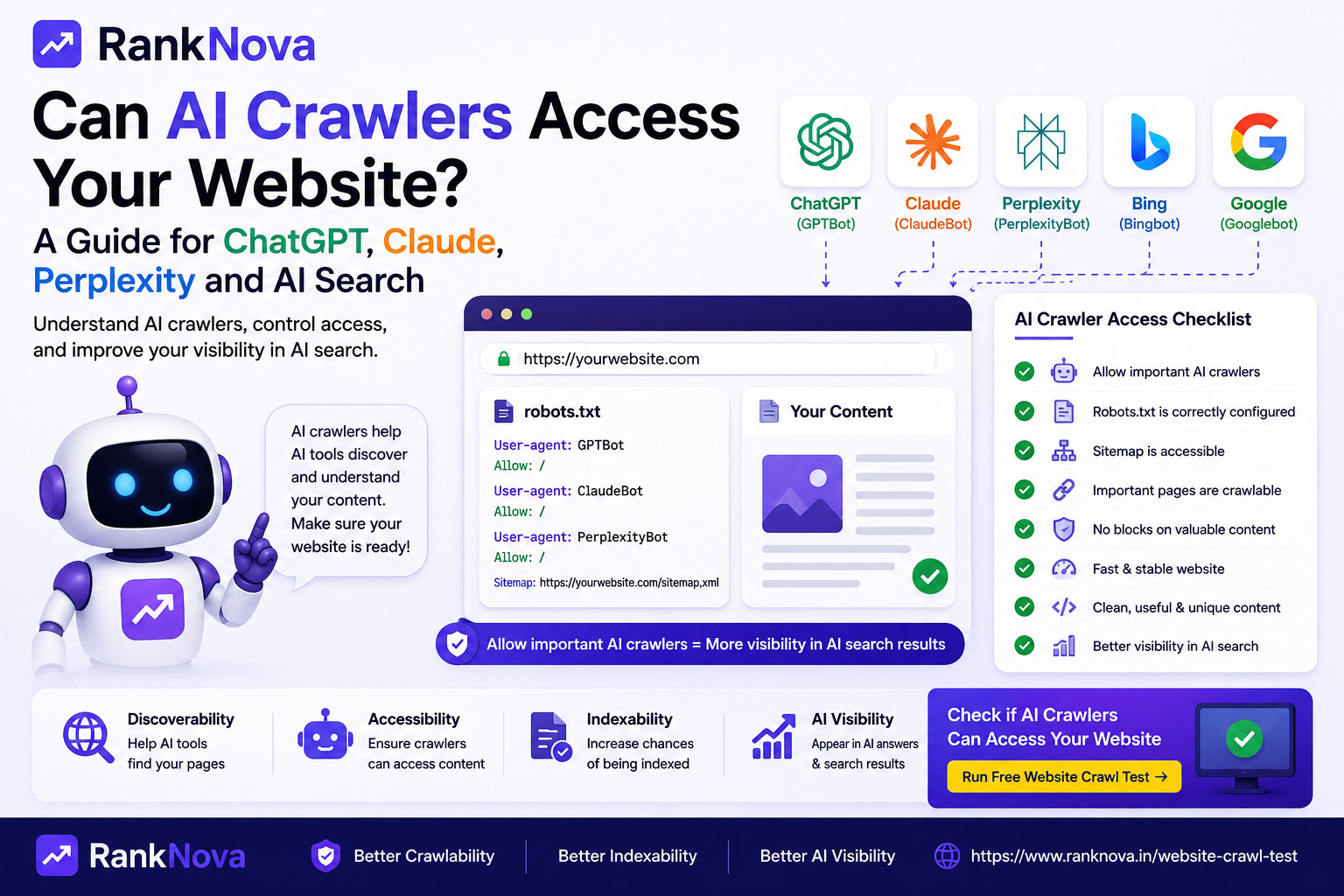
AI companies increasingly use automated systems to access public websites.
That has created a new question for website owners:
Should I allow AI crawlers or block them?
The answer is more complicated than simply adding every AI bot to your robots.txt block list.
The reason is important:
Not every AI crawler performs the same job.
Some crawlers may collect content for potential model training. Others help power AI search and discovery. Some requests happen only when a user asks an AI assistant to access a particular webpage.
Blocking all of them without understanding their purpose could produce results you did not intend.
For example, you might want to prevent your content from being used for potential model training while still allowing it to appear in AI-powered search experiences.
This guide explains the differences between major AI crawlers, what can happen when you block them, and how to create a more deliberate crawler policy.
The First Mistake: Treating Every AI Bot the Same
It is tempting to think about AI crawlers like this:
AI bot = AI company accessing my content
But a more useful model is:
AI crawler
   |
   |-- Training crawler
   |
   |-- Search / discovery crawler
   |
   |-- User-triggered fetcher
These categories can have very different purposes.
Before blocking a crawler, ask:
What does this crawler actually do?
That question matters more than the company name attached to it.
Three Types of AI Website Access
1. Training Crawlers
Training-oriented crawlers collect public web content that may be used when developing or improving AI models.
If your concern is specifically about your content being used for model training, these are the crawlers you should investigate first.
Blocking a training crawler does not necessarily mean blocking every product from the same AI company.
2. AI Search Crawlers
AI search systems need to discover and retrieve information from websites.
A search-oriented crawler may help an AI product understand that your pages exist and make them eligible for discovery in search-related experiences.
If AI visibility is important to your business, blocking search crawlers deserves careful consideration.
3. User-Triggered Fetchers
A third category involves requests initiated because a real user asks an AI product to access a particular webpage.
These are conceptually different from continuously crawling the web to build an index or collect training data.
Some providers therefore use separate user agents for these requests.
OpenAI: GPTBot vs OAI-SearchBot vs ChatGPT-User
OpenAI provides one of the clearest examples of why crawler purpose matters.
OpenAI currently documents multiple user agents with different functions.
GPTBot
GPTBot is used to crawl content that may be used to help train OpenAI's generative AI foundation models.
If you do not want your site or specific sections to be crawled by GPTBot, you can configure that preference through robots.txt.
For example:
User-agent: GPTBot
Disallow: /
This tells GPTBot not to crawl the website.
OAI-SearchBot
OAI-SearchBot serves a different purpose.
OpenAI identifies it as its search crawler used to surface websites in ChatGPT search features.
A website that wants its content available for ChatGPT search discovery should therefore evaluate OAI-SearchBot separately from GPTBot.
For example:
User-agent: OAI-SearchBot
Allow: /
Blocking GPTBot While Allowing OAI-SearchBot
This distinction makes configurations such as the following possible:
User-agent: GPTBot
Disallow: /

User-agent: OAI-SearchBot
Allow: /
The intention here is straightforward:
GPTBot
↓
Do not allow automated crawling for potential model training

OAI-SearchBot
↓
Allow crawling for ChatGPT search discovery
OpenAI documents these settings as independent controls.
That is why a blanket statement such as 'blocking GPTBot blocks ChatGPT' is misleading.
Different OpenAI user agents serve different purposes.
ChatGPT-User
OpenAI also documents ChatGPT-User.
This user agent can be used when a person asks ChatGPT or a Custom GPT to interact with or retrieve information from a webpage.
It is not OpenAI's automatic search crawler and is not used to determine whether content can appear in ChatGPT Search.
Because these requests are initiated by users, OpenAI notes that normal robots.txt behavior may not apply in the same way.
The important lesson is that GPTBot, OAI-SearchBot, and ChatGPT-User should not be treated as interchangeable names for the same crawler.
Anthropic and ClaudeBot
Anthropic also operates crawlers associated with Claude.
ClaudeBot is documented by Anthropic as a general-purpose web crawler used to obtain public web content for training data.
If your concern is AI training, you should review Anthropic's current crawler documentation and configure your crawler policy accordingly.
The broader principle remains the same:
Do not make crawler decisions based only on the word Claude, GPT, or AI in the user-agent name.
Determine the documented purpose of the specific crawler first.
PerplexityBot
Perplexity operates PerplexityBot as part of its search infrastructure.
Perplexity describes it as a search crawler and states that it respects explicit restrictions in robots.txt.
This makes its purpose different from a crawler whose primary documented role is collecting potential training data.
If your website wants visibility in AI-powered search and answer engines, this distinction matters.
Blocking a search crawler can affect that crawler's ability to directly discover and retrieve your content.
Training vs Search vs User Fetch
The most useful way to think about AI crawlers is by purpose rather than company.
Access type Primary purpose Typical consideration Training crawler Collect content that may be used for model development Content usage and training policy Search crawler Discover and retrieve pages for AI search AI search visibility and discovery User-triggered fetcher Retrieve a page because a user requested it Real-time user access A single AI provider can operate systems across more than one of these categories.
That is why crawler-specific configuration is more precise than blocking an entire company without understanding its different user agents.
Should You Block GPTBot?
There is no universal answer for every website.
The decision depends on what you want to achieve.
You May Choose to Block GPTBot If
Your policy is that you do not want your public website content crawled for potential foundation-model training.
A configuration could be:
User-agent: GPTBot
Disallow: /
You can still evaluate OpenAI's search crawler separately.
You May Choose to Allow GPTBot If
You are comfortable with the crawler's documented purpose and do not want to restrict it from your public content.
For example:
User-agent: GPTBot
Allow: /
This is ultimately a publisher policy decision rather than a universal SEO rule.
Should You Block AI Search Crawlers?
This is a different question.
If your business wants to be discoverable through AI-powered search experiences, blocking search-oriented crawlers can work against that objective.
For example, OpenAI states that publishers should allow OAI-SearchBot if they want their site content to be included in summaries and snippets in ChatGPT search experiences.
A company investing in GEO or AI visibility should therefore understand the consequences before adding broad crawler blocks.
A Practical robots.txt Strategy
Instead of this:
User-agent: *
Disallow: /
consider defining your policy crawler by crawler where appropriate.
For example, a publisher might choose:
User-agent: Googlebot
Allow: /

User-agent: OAI-SearchBot
Allow: /

User-agent: GPTBot
Disallow: /
This expresses a more specific policy:
- Allow Google Search crawling
- Allow ChatGPT search crawling
- Block GPTBot crawling for potential training
This is only an example configuration, not a recommendation for every website.
Your final rules should reflect your business, legal, content, licensing, and visibility requirements.
Partial Blocking Is Also Possible
You do not necessarily have to make a site-wide decision.
Suppose your website contains public marketing pages and a valuable documentation archive.
You might create crawler-specific path rules such as:
User-agent: GPTBot
Allow: /
Disallow: /premium-research/
This could express a policy that allows crawling of most public content while restricting a particular section.
Always test your rules carefully because robots.txt mistakes can unintentionally block more than expected.
robots.txt Allow Does Not Guarantee Crawler Access
This is one of the most important technical details.
Suppose your robots.txt says:
User-agent: OAI-SearchBot
Allow: /
You might conclude:
OAI-SearchBot can access my website.
Not necessarily.
robots.txt is only one layer.
A crawler may still encounter:
403 Forbidden429 Too Many Requests- CDN blocking
- WAF rules
- Bot protection
- CAPTCHA challenges
- JavaScript challenges
- Authentication
- Geographic restrictions
- IP blocking
- Server errors
OpenAI's crawler troubleshooting guidance specifically notes that firewalls, CDN systems, bot mitigation, authentication, rate limiting, and similar infrastructure can prevent crawler access even when robots.txt is configured appropriately.
Therefore:
robots.txt allows crawler
is not the same as:
crawler successfully accesses page
Cloudflare and AI Crawlers
Many websites use Cloudflare or similar security platforms.
Bot-protection systems can classify legitimate crawlers as automated traffic and block them.
This creates a common situation:
robots.txt
OAI-SearchBot = ALLOWED

        ↓

Cloudflare / WAF
OAI-SearchBot = BLOCKED

        ↓

Actual result
Crawler cannot access page
When troubleshooting AI crawler access, check both your website-level directives and infrastructure-level security rules.
Check HTTP Status Codes
Testing crawler access should include HTTP responses.
Important responses include:
200 OK
The page was successfully returned.
301 / 302
The crawler is being redirected.
403 Forbidden
The server or security layer is refusing access.
404 Not Found
The requested resource does not exist.
429 Too Many Requests
The crawler may be hitting rate limits.
5xx
The server encountered an error.
A technically correct robots.txt file cannot compensate for a server that continually returns 403 or 500 responses to the crawler.
Should Publishers Block AI Training Crawlers?
This is primarily a publisher-policy decision.
Different website owners may reasonably reach different conclusions depending on:
- Licensing strategy
- Content ownership
- Business model
- AI visibility goals
- Legal requirements
- Publisher agreements
- Competitive concerns
- Content distribution strategy
A news publisher with licensed premium research may choose differently from a SaaS company publishing free educational documentation for customer acquisition.
The important part is making the decision deliberately rather than copying an AI-blocking robots.txt template without understanding it.
Should Businesses Allow AI Search Crawlers?
Businesses interested in AI search visibility should at least evaluate search crawlers before blocking them.
Consider a SaaS company publishing:
- Product pages
- Pricing
- Documentation
- Tutorials
- FAQs
- Comparisons
- Case studies
These are exactly the kinds of public resources that users may look for through AI search products.
Preventing search crawlers from directly accessing these resources could reduce the opportunities for those systems to retrieve the content through their own crawlers.
However, allowing a crawler does not guarantee that your website will appear, be cited, or rank prominently in an AI answer.
Crawler accessibility is only one part of AI visibility.
Allowing a Bot Does Not Guarantee AI Citations
This deserves emphasis.
A robots.txt rule such as:
User-agent: OAI-SearchBot
Allow: /
does not mean:
My website will now be cited by ChatGPT.
AI search systems can consider many other factors when retrieving and presenting information.
These can include:
- Query relevance
- Content quality
- Page accessibility
- Freshness
- Source selection
- Retrieval systems
- Search indexes
- User intent
- Product policies
Crawler access simply ensures you are not intentionally preventing that crawler from accessing the relevant content.
Blocking GPTBot Does Not Automatically Remove You From ChatGPT Search
This is another important misconception.
OpenAI separates GPTBot and OAI-SearchBot.
GPTBot relates to content that may be used for training foundation models.
OAI-SearchBot relates to ChatGPT search discovery.
Therefore, a publisher can express different preferences for these two purposes.
For example:
User-agent: GPTBot
Disallow: /

User-agent: OAI-SearchBot
Allow: /
OpenAI explicitly documents these controls independently.
How to Check Your AI Crawler Access
Manually checking crawler rules becomes difficult as the number of AI user agents grows.
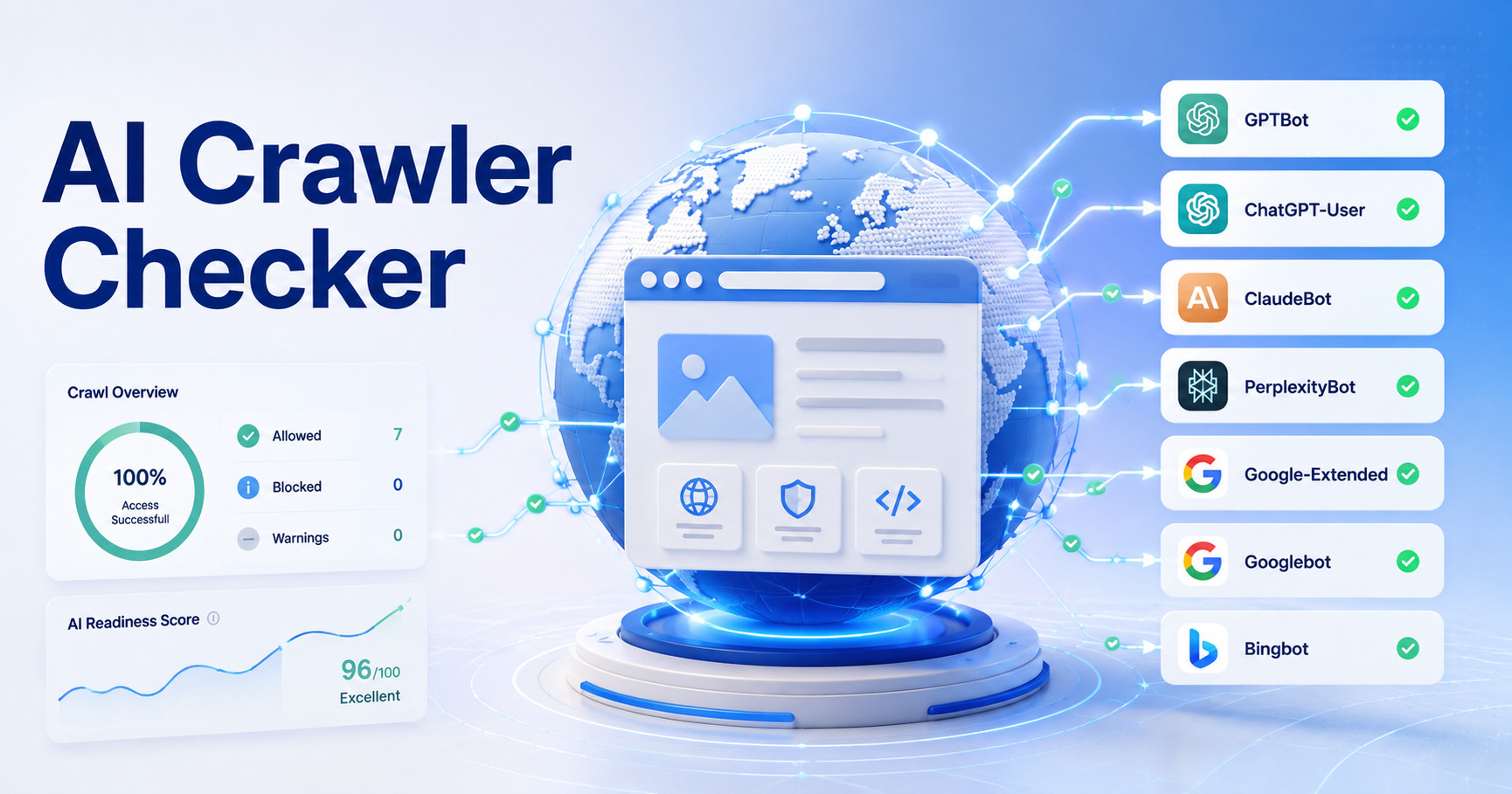
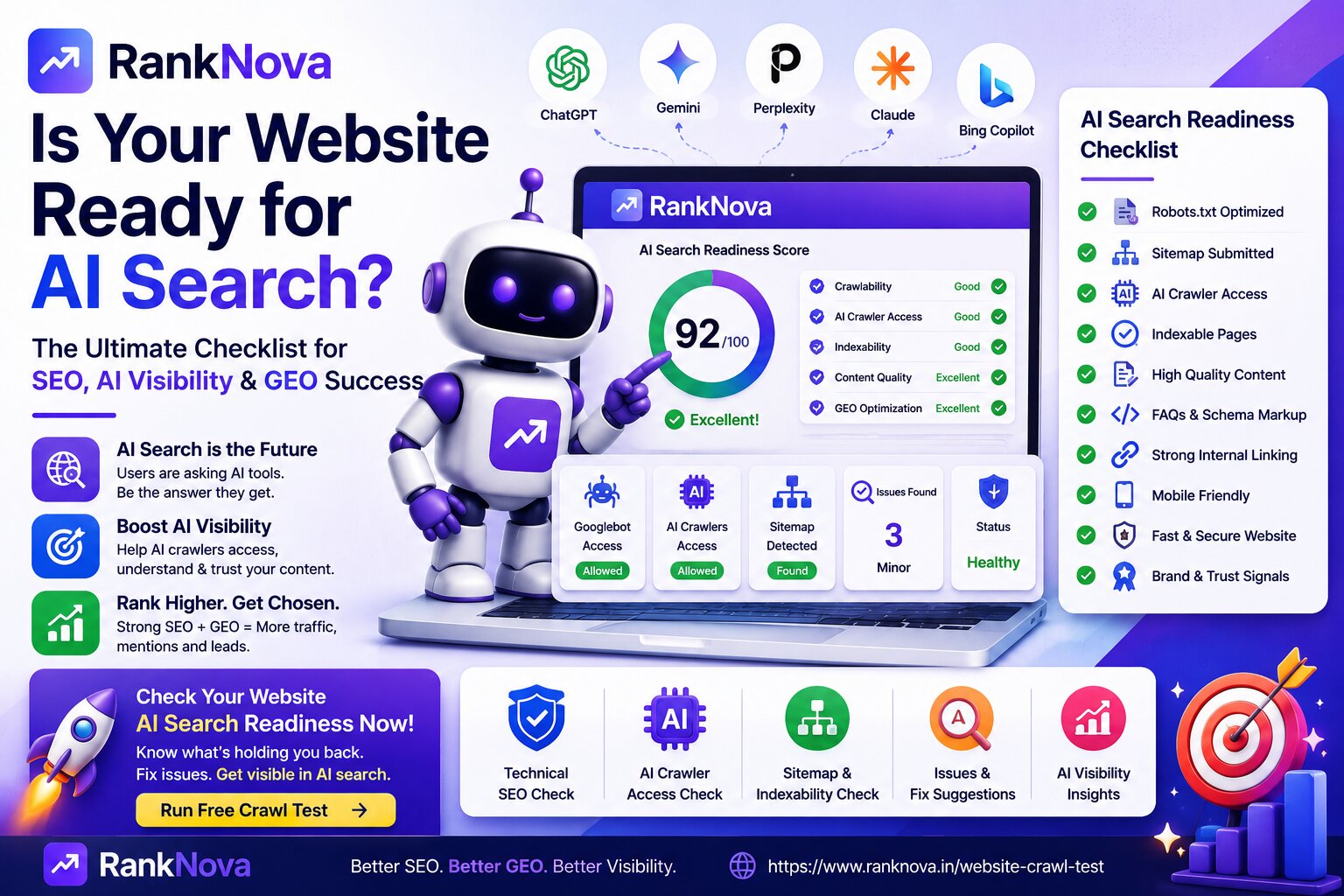
Use the RankNova AI Crawler Checker to inspect how your website handles common AI crawlers.
The process should help answer questions such as:
- Is GPTBot allowed?
- Is an AI search crawler blocked?
- Does robots.txt contain crawler-specific rules?
- Is a broad wildcard rule affecting AI bots?
- Are important public paths restricted?
Crawler analysis is especially useful after changing robots.txt, CDN settings, or security rules.
Don't Forget Your Server and CDN
After checking robots.txt, test whether the website is actually accessible.
A useful troubleshooting flow is:
Check robots.txt
      ↓
Identify crawler rule
      ↓
Check page response
      ↓
Check CDN / WAF
      ↓
Check bot protection
      ↓
Check server logs
      ↓
Verify actual crawler access
If your logs show repeated 403 or 429 responses, robots.txt may not be the actual problem.
Common AI Crawler Mistakes
Blocking Every AI Bot Without Checking Its Purpose
A training crawler and a search crawler can have very different functions.
Assuming Every Bot From One Company Does the Same Thing
OpenAI's GPTBot, OAI-SearchBot, and ChatGPT-User demonstrate why this assumption is incorrect.
Assuming robots.txt Is a Security Mechanism
It is not.
Private information should be protected with authentication and authorization.
Never publish sensitive content and rely on robots.txt to keep it private.
Allowing the Bot in robots.txt but Blocking It at the CDN
Check WAF, CDN, bot-protection, firewall, and rate-limiting rules as well.
Expecting Immediate AI Visibility
Changing robots.txt does not instantly make a page appear in an AI answer.
For OpenAI search crawling specifically, OpenAI notes that it can take roughly 24 hours for its systems to adjust after a robots.txt change.
Assuming Allow Means Guaranteed Citation
Crawler access makes retrieval possible; it does not guarantee selection or citation.
AI Crawler Decision Framework
Before changing robots.txt, ask these questions:
Question 1
What is this crawler's documented purpose?
Training, search, or user-triggered retrieval?
Question 2
What is my business objective?
Do you want AI discovery, strict content licensing controls, both, or something else?
Question 3
Can I control training and search independently?
When the provider offers separate crawlers, use crawler-specific rules rather than unnecessarily broad blocks.
Question 4
Is the content actually public?
If information must remain private, use authentication—not robots.txt.
Question 5
Does the crawler really have access?
Check server responses, CDN rules, WAF configuration, and bot protection in addition to robots.txt.
Example: Business Focused on AI Search Visibility
A business might decide that it wants search discovery but does not want potential training crawling by GPTBot.
Its OpenAI-related configuration could therefore look like:
User-agent: OAI-SearchBot
Allow: /

User-agent: GPTBot
Disallow: /
This example illustrates why crawler-level control is useful.
It is not a universal configuration that every website should copy.
Example: Blocking a Sensitive Content Section
Suppose a website has public marketing pages but wants to restrict automated crawling of a research section.
It could evaluate path-specific directives such as:
User-agent: GPTBot
Disallow: /research/
Again, if /research/ contains genuinely private information, robots.txt is not sufficient. Protect the section with authentication.
Test Your Website Before Making a Decision
Before copying a list of AI crawler rules from another website, inspect your current configuration.
You may discover that:
- GPTBot is already blocked
- Search crawlers are unintentionally blocked
- A wildcard rule affects every crawler
- Your CDN blocks bots despite robots.txt allowing them
- Important resources return 403 responses
- Different sections of the website need different policies
Use the RankNova AI Crawler Checker to review your current AI crawler configuration first.
Then decide what should change based on the purpose of each crawler and your own content policy.
Final Thoughts
The question is not simply:
Should I block AI bots?
A better question is:
Which crawler am I dealing with, what does it do, and does allowing it support my website's goals?
Remember the key distinction:
Training crawler ≠ Search crawler ≠ User-triggered fetcher
For OpenAI specifically, GPTBot and OAI-SearchBot can be controlled independently.
Other AI providers also operate crawlers with their own documented purposes and policies.
Avoid blindly allowing everything, but also avoid blindly blocking everything.
Define the policy that makes sense for your website, verify the provider's current documentation, configure robots.txt carefully, and then confirm that your CDN and security infrastructure enforce the behavior you actually intend.
Start by checking your current configuration with the RankNova AI Crawler Checker.
FAQ
Frequently Asked Questions
Quick answers pulled directly from this article for easier reading and better sharing previews.
Should I block GPTBot?
There is no universal answer. GPTBot is used to crawl content that may be used to train OpenAI's generative AI foundation models. If you do not want your public content crawled for that purpose, you can disallow GPTBot. This can be managed separately from OpenAI's search crawler.
Will blocking GPTBot remove my website from ChatGPT Search?
Not by itself. OpenAI documents GPTBot and OAI-SearchBot as separate controls. GPTBot relates to potential model training, while OAI-SearchBot is used for ChatGPT search discovery.
What is OAI-SearchBot?
OAI-SearchBot is OpenAI's search crawler. OpenAI states that it is used to surface websites in ChatGPT search features.
What is ChatGPT-User?
ChatGPT-User is used for certain user-initiated actions when ChatGPT or a Custom GPT accesses a webpage. OpenAI states that it is not its automatic web search crawler.
Can I block GPTBot but allow ChatGPT Search?
Yes. OpenAI provides independent robots.txt controls for GPTBot and OAI-SearchBot, so a publisher can disallow GPTBot while allowing OAI-SearchBot.
What is ClaudeBot?
Anthropic documents ClaudeBot as a general-purpose web crawler used to obtain public web content for training data. Check Anthropic's latest crawler documentation before configuring rules because crawler policies can change.
What is PerplexityBot?
Perplexity describes PerplexityBot as its search crawler and states that it follows explicit robots.txt restrictions.
Does allowing an AI crawler guarantee my website will appear in AI answers?
No. Allowing crawler access does not guarantee visibility, ranking, selection, or citation in an AI-generated answer.
Can Cloudflare block an AI crawler even if robots.txt allows it?
Yes. CDN, WAF, firewall, bot-protection, authentication, JavaScript challenges, IP restrictions, and rate limits can prevent crawler access independently of robots.txt.
Can robots.txt protect private content from AI crawlers?
robots.txt should not be used as a security mechanism. Protect private or sensitive content with authentication and authorization.
How can I check which AI crawlers my website allows?
Inspect your robots.txt file and crawler-specific rules, then verify actual HTTP accessibility. RankNova's AI Crawler Checker can help inspect common AI crawler rules and identify potential access restrictions.