AI Crawler Checker: Test Whether AI Bots Can Access Your Website
AI search is changing how people discover brands, products, services, and answers. Traditional search crawlers like Googlebot and Bingbot still matter, but AI systems now use their own crawlers and user-triggered browsing agents to understand public web content.
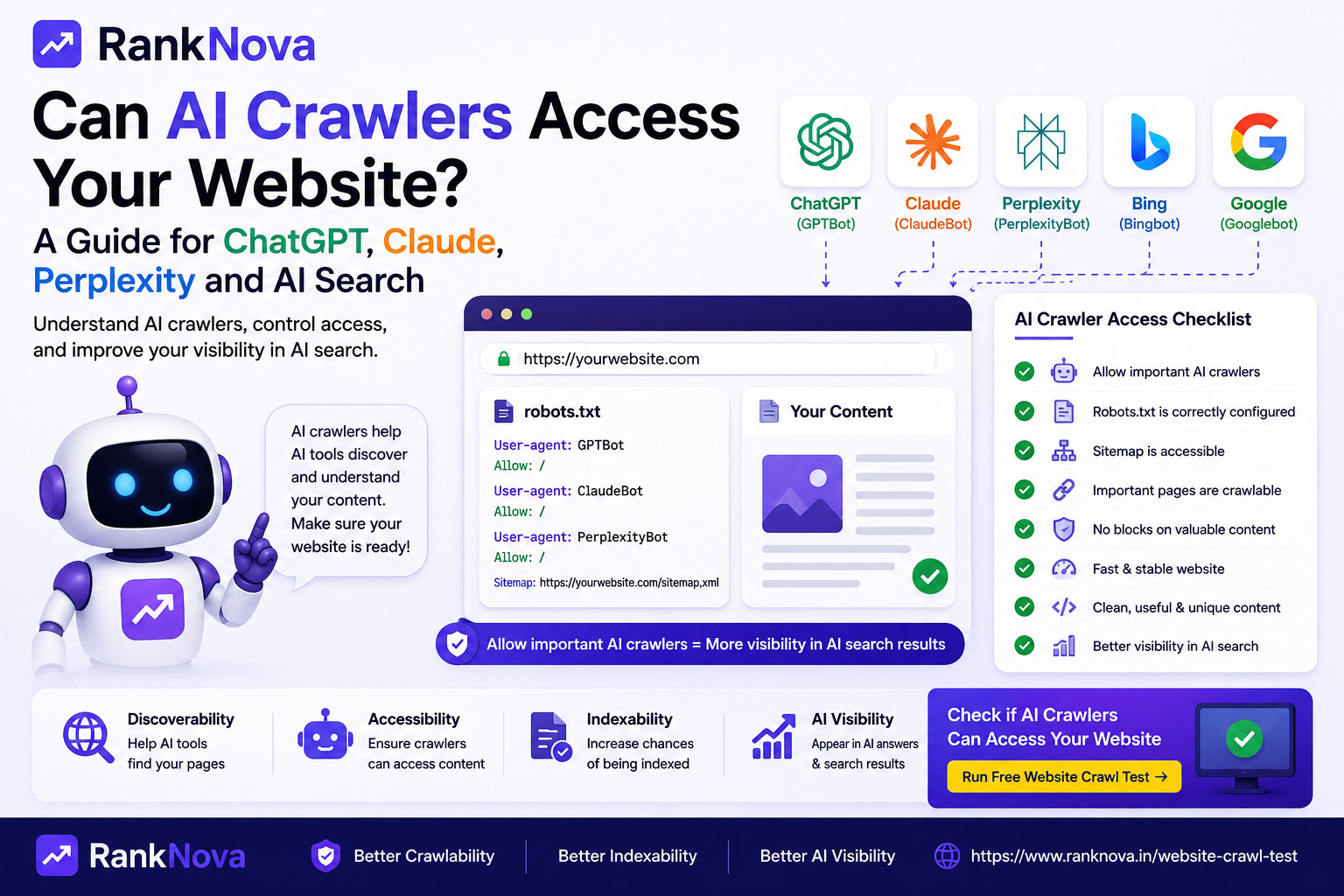
That means a website can be technically visible to Google, but still blocked from important AI crawlers like GPTBot, ChatGPT-User, ClaudeBot, PerplexityBot, or Google-Extended.
RankNova now includes a free AI Crawler Checker to help website owners, marketers, and SEO teams test whether AI crawlers can access a site before visibility is lost.
Run the free AI Crawler Checker
What Is an AI Crawler Checker?
An AI crawler checker is a tool that tests whether AI bots can reach and understand your public website pages. It looks at crawlability signals such as robots.txt rules, sitemap availability, homepage access, HTTP response status, and page-level indexability signals.
In simple terms, it answers questions like:
- Can GPTBot access my homepage?
- Is ClaudeBot blocked by robots.txt?
- Can PerplexityBot crawl my important pages?
- Is ChatGPT-User allowed to fetch public content?
- Is Google-Extended blocked or allowed?
- Are normal search crawlers like Googlebot and Bingbot treated differently?
These checks matter because AI discovery does not always follow the exact same path as classic search indexing.
Why AI Crawler Access Matters
AI assistants and answer engines need access to public content before they can reliably understand, cite, summarize, or reference it. If your website blocks AI crawlers by accident, your content may be invisible in AI-powered discovery experiences even when your normal SEO setup looks fine.
This is especially important for:
- SaaS websites
- Agencies
- Local service businesses
- Ecommerce stores
- B2B companies
- Blogs and knowledge hubs
- Product comparison pages
- Documentation and help centers
If your website depends on organic discovery, AI crawler access is now part of technical SEO.
Which Bots Does RankNova Check?
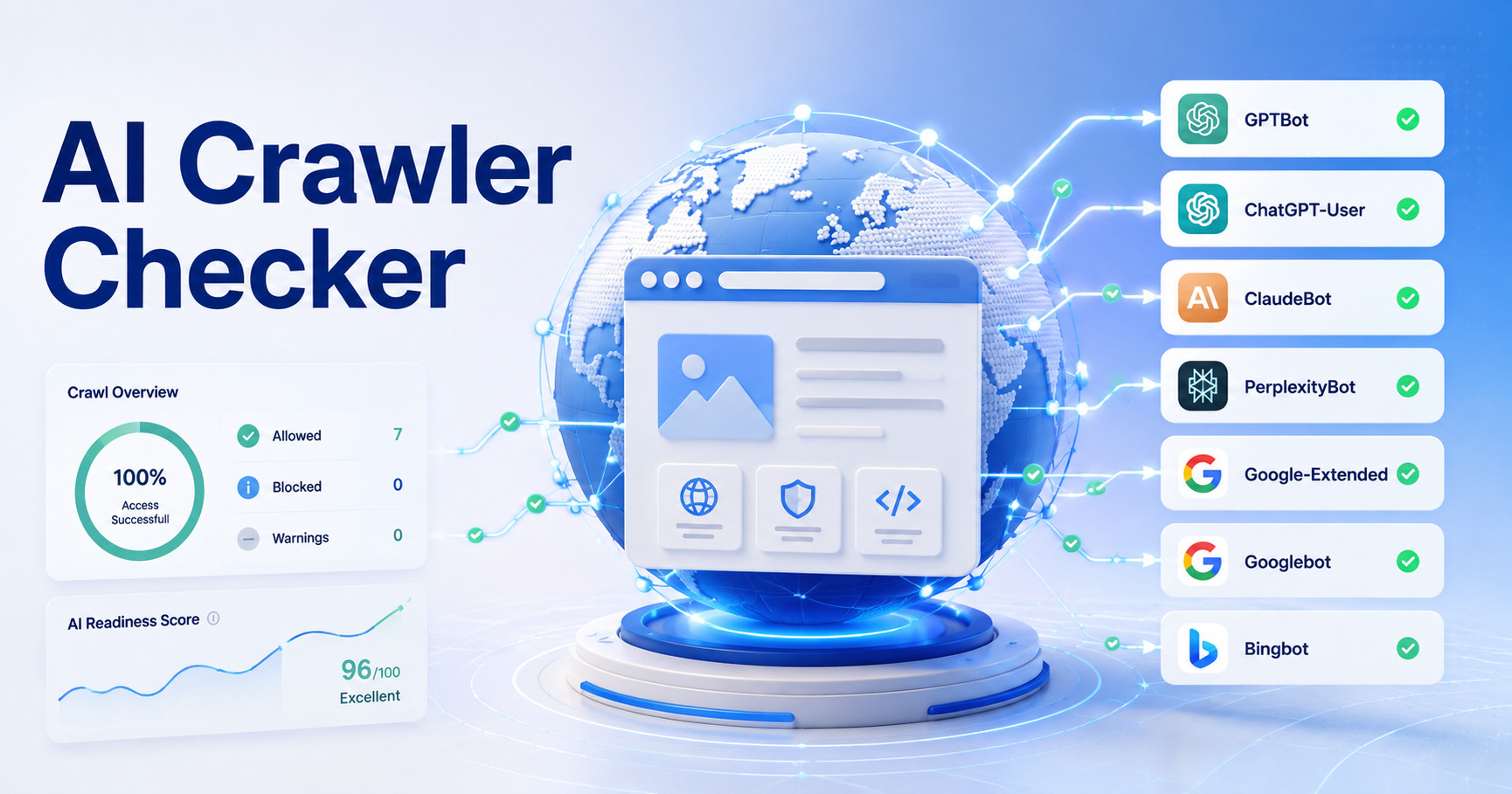
The RankNova AI Crawler Checker currently tests access for key AI and search crawlers:
GPTBot
GPTBot is associated with OpenAI crawling. If GPTBot is blocked, your public content may be restricted from some AI discovery and training-related workflows.
ChatGPT-User
ChatGPT-User represents user-triggered browsing from ChatGPT. This is different from broad crawling because it can happen when a user asks ChatGPT to visit or summarize a public page.
ClaudeBot
ClaudeBot is associated with Anthropic's Claude ecosystem. Checking ClaudeBot access helps you understand whether Claude-related discovery workflows can reach your pages.
PerplexityBot
PerplexityBot is used by Perplexity for answer discovery and source citation. If you want your pages to appear as answer sources, crawler access is important.
Google-Extended
Google-Extended is a control signal for Google AI usage. It is different from normal Googlebot crawling, so it should be reviewed separately.
Googlebot and Bingbot
Googlebot and Bingbot are included as baseline search crawlers. Comparing them with AI bots helps you see whether your site treats traditional search crawlers differently from AI crawlers.
What the AI Crawler Checker Tests
RankNova checks several practical crawlability signals:
1. Robots.txt Rules
Robots.txt tells crawlers which parts of your site they can or cannot access. A single rule can accidentally block an AI crawler from your whole website.
For example, a broad block like this can create serious visibility problems:
User-agent: GPTBot
Disallow: /
That rule blocks GPTBot from the entire site.
2. Sitemap Discovery
A sitemap helps crawlers find your important pages. If your robots.txt file does not reference a sitemap, AI and search crawlers may need more time to discover priority URLs.
A useful robots.txt setup often includes:
Sitemap: https://example.com/sitemap.xml
3. Homepage Access
The homepage is usually the first page crawlers test. RankNova checks whether each AI bot can access the homepage and whether the result appears crawlable.
4. Page-Level Indexability
A page may be crawlable but not indexable. RankNova helps detect common blockers such as noindex directives that can prevent public pages from being used in search or AI visibility workflows.
5. Specific URL Checks
After the main check, you can test specific pages like:
- /pricing
- /services
- /blog
- /features
- /products
- /contact
This matters because a homepage can be open while deeper pages are blocked.
Common AI Crawler Problems
Here are the most common issues website owners should watch for.
AI Bots Blocked in Robots.txt
Some websites intentionally block AI crawlers. Others block them by copying rules from another website or using a security plugin without reviewing the result.
If AI visibility matters for your business, review each AI bot rule carefully.
Sitemap Missing From Robots.txt
A sitemap is not required for every crawler to work, but it is a strong discovery signal. Adding your sitemap to robots.txt helps search and AI crawlers find important URLs faster.
Important Pages Have Noindex Tags
A noindex tag can remove a page from search visibility. It can also reduce the chance that AI systems use the page as a reliable public source.
Different Rules for Search and AI Bots
Some websites allow Googlebot but block GPTBot, ClaudeBot, or PerplexityBot. That may be intentional, but it should be a business decision, not an accident.
How to Use RankNova's Free AI Crawler Checker
Using the tool is simple:
- Go to the AI Crawler Checker.
- Enter your domain or sub-domain.
- Run the free check.
- Review access for GPTBot, ChatGPT-User, ClaudeBot, PerplexityBot, Google-Extended, Googlebot, and Bingbot.
- Test important URLs one by one from the report page.
- Fix robots.txt, sitemap, or noindex issues where needed.
The tool uses RankNova's existing crawl-test engine, so the result focuses on practical crawlability and indexability signals instead of only showing raw robots.txt text.
Should You Allow Every AI Crawler?
Not always. AI crawler access is a business and content strategy decision.
You may choose to allow AI crawlers for public marketing pages, blog content, and product education pages while blocking private, low-value, or sensitive areas.
A balanced approach is usually better than a site-wide allow or block rule. Start by deciding which content should be discoverable in AI search, then configure crawler rules around that strategy.
Example Robots.txt Review Checklist
When reviewing AI crawler access, check these items:
- Does robots.txt exist?
- Does robots.txt include the correct sitemap URL?
- Are AI bots blocked site-wide?
- Are important public pages blocked by path rules?
- Are Googlebot and Bingbot allowed?
- Are GPTBot, ChatGPT-User, ClaudeBot, PerplexityBot, and Google-Extended handled intentionally?
- Do important pages return successful HTTP responses?
- Do important pages avoid accidental noindex directives?
This checklist helps you separate intentional AI crawler policy from accidental technical blockers.
Final Thoughts
AI visibility is becoming part of modern SEO. If your website blocks AI crawlers by accident, your content may be harder for AI assistants and answer engines to discover, understand, or cite.
RankNova's free AI Crawler Checker gives you a quick way to test your website, compare AI bots against normal search crawlers, and find technical blockers before they cost visibility.
FAQ
Frequently Asked Questions
Quick answers pulled directly from this article for easier reading and better sharing previews.
What is an AI crawler checker?
An AI crawler checker tests whether AI bots can access public website pages through robots.txt rules, HTTP responses, sitemap signals, and page-level indexability directives.
Which AI crawlers does RankNova check?
RankNova checks GPTBot, ChatGPT-User, ClaudeBot, PerplexityBot, Google-Extended, Googlebot, and Bingbot.
Is the RankNova AI Crawler Checker free?
Yes. RankNova's AI Crawler Checker is a free public tool for checking AI bot access on a website.
Can I test a specific page URL?
Yes. After the main domain check finishes, the report page lets you test specific URLs or paths from the same host for each supported bot.
Should I block or allow AI crawlers?
That depends on your content strategy. Public marketing, blog, and product education pages are often worth allowing, while private or sensitive areas should stay blocked.