Can AI Crawlers Access Your Website? A Guide for ChatGPT, Claude, Perplexity and AI Search
Search is no longer limited to Google.
Today, people are asking AI tools questions before they visit websites. They ask ChatGPT, Claude, Perplexity, Gemini, Bing Copilot, and Google AI-powered search experiences for answers, product suggestions, service recommendations, and business comparisons.
This creates a new question for every website owner:
Can AI crawlers access your website?
If AI systems cannot access or understand your content, your brand may have less chance of appearing in AI-generated answers.
This is why AI crawler access is becoming an important part of modern SEO and GEO.
What Are AI Crawlers?
AI crawlers are automated bots used by AI companies, search engines, and answer engines to access web content.
These crawlers may be used for different purposes, such as discovering content, understanding pages, supporting AI search experiences, or helping AI systems retrieve information.
Some common AI-related crawlers include:
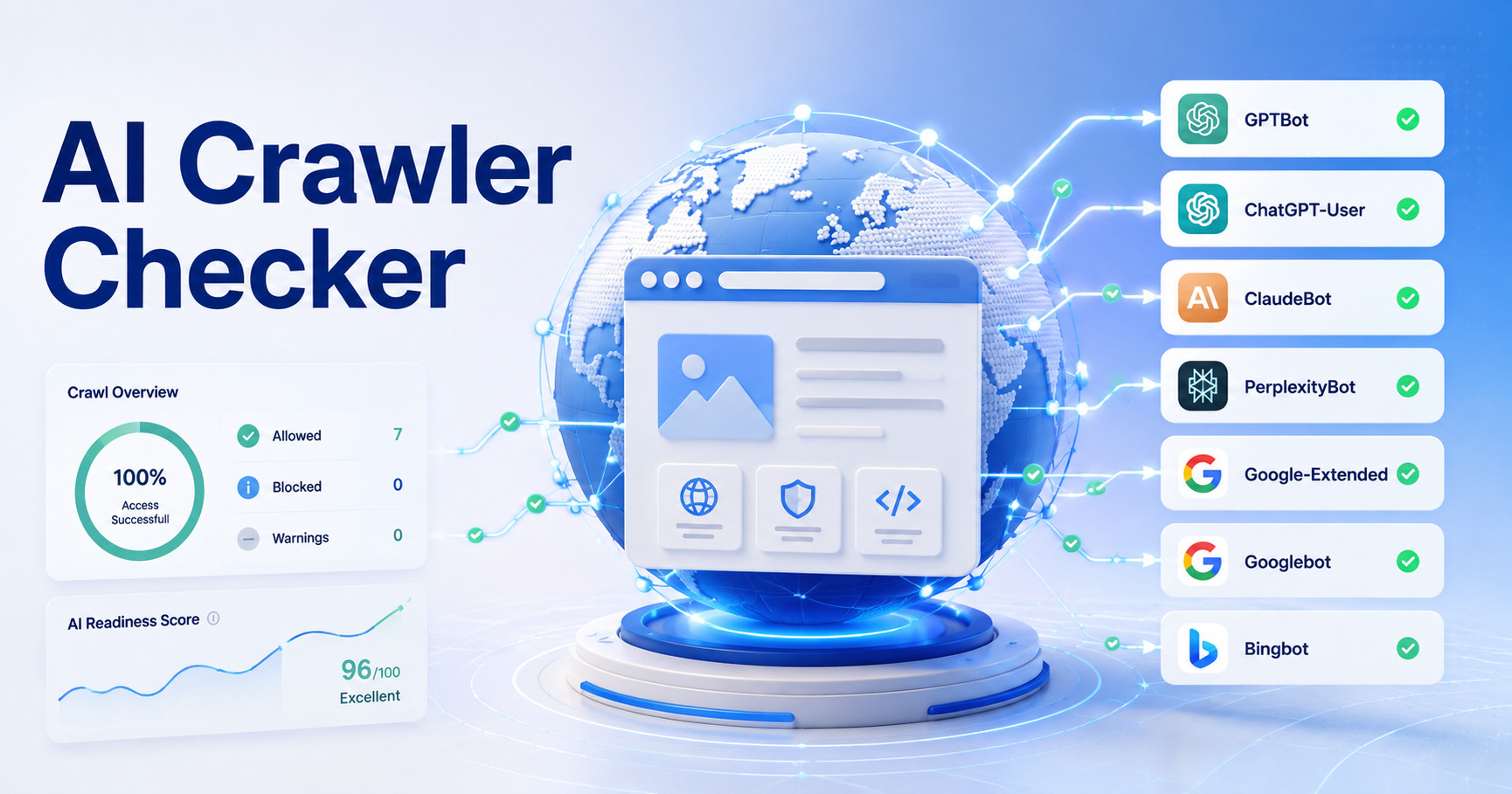
- GPTBot
- ChatGPT-User
- ClaudeBot
- PerplexityBot
- Google-Extended
- Bingbot
- Applebot
Different crawlers may work differently, and website owners can manage crawler access using robots.txt rules.
Why AI Crawler Access Matters
Earlier, businesses mainly cared about whether Googlebot could crawl their website.
That is still important.
But now, businesses also need to think about AI visibility.
AI visibility means your brand, website, products, services, and content are discoverable and understandable inside AI-powered search and answer platforms.
If your website blocks AI crawlers, your content may have lower chances of being found, referenced, or understood by some AI-powered systems.
AI crawler access can affect:
- AI search visibility
- Brand discovery in AI answers
- Content understanding
- GEO performance
- AI-powered recommendations
- Citation opportunities
- Future search visibility
For businesses, this matters because customer discovery is changing.
What Is GEO?
GEO stands for Generative Engine Optimization.
It is the process of improving your website and brand signals so AI systems can understand, trust, and mention your business in generated answers.
SEO helps your website rank on search engines.
GEO helps your brand become visible in AI-generated answers.
Both are now important.
SEO vs GEO: Why Crawler Access Is Different Now
Traditional SEO focused mainly on crawlers like:
- Googlebot
- Bingbot
- Yahoo crawlers
Modern AI visibility also involves AI-related bots and answer-engine crawlers.
This means your website should be checked for both:
- Search engine crawler access
- AI crawler access
A website may allow Googlebot but block GPTBot or ClaudeBot.
Another website may allow all bots but accidentally block important pages through robots.txt.
That is why crawler access should be reviewed carefully.
Common AI Crawlers Website Owners Should Know
Here are some AI-related crawlers and user agents that businesses often monitor.
1. GPTBot
GPTBot is associated with OpenAI. Website owners may see GPTBot rules in robots.txt when managing AI crawler access.
If a website blocks GPTBot, OpenAI’s crawler may not access the blocked sections according to robots.txt instructions.
Businesses that want to improve AI visibility should understand whether they are allowing or blocking GPTBot.
2. ChatGPT-User
ChatGPT-User may appear when ChatGPT accesses web pages in response to a user request.
This is different from general crawling.
If your website blocks this access, some real-time retrieval or page access scenarios may be limited.
3. ClaudeBot
ClaudeBot is associated with Anthropic’s Claude ecosystem.
Businesses that want visibility across AI platforms should check whether ClaudeBot can access their public content.
4. PerplexityBot
Perplexity is an AI answer engine that often provides cited answers.
If your website content is blocked or difficult to access, it may reduce the chance of being discovered or cited in AI-style search experiences.
5. Google-Extended
Google-Extended is used by website owners to manage whether their sites help improve certain Google AI models and AI products.
This is different from blocking Googlebot for normal search.
A website can allow Googlebot for search while setting separate rules for Google-Extended.
6. Bingbot
Bingbot is important because Bing supports Microsoft search experiences and AI-powered discovery.
For many websites, allowing Bingbot is still useful for search visibility and AI-related discovery through Microsoft-powered platforms.
How Robots.txt Controls AI Crawler Access
Robots.txt is a file that gives crawler access instructions.
It is usually available at:
https://yourdomain.com/robots.txt
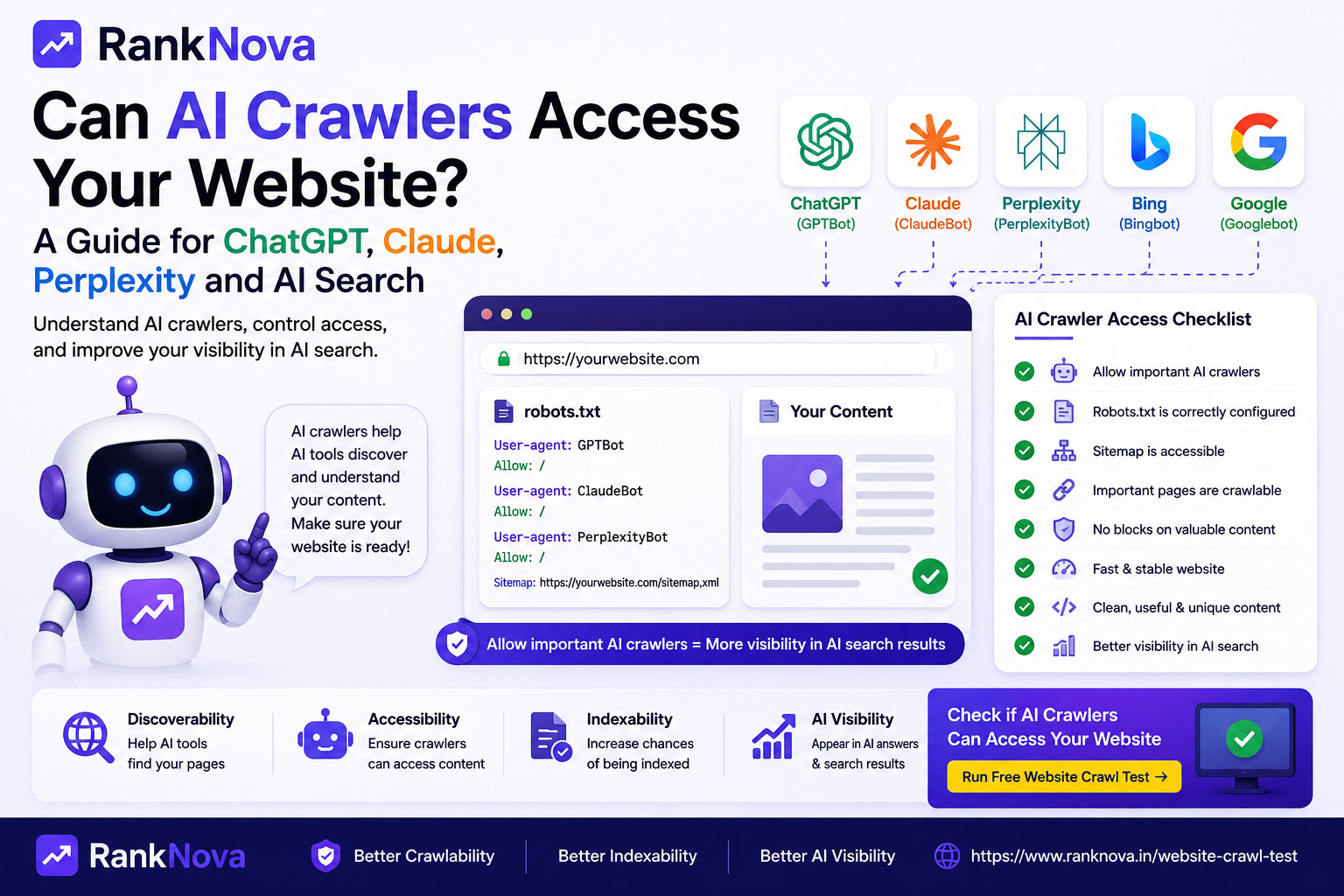
A simple robots.txt rule looks like this:
User-agent: *
Disallow: /admin/
This tells all crawlers not to access the /admin/ section.
You can also create rules for specific crawlers.
Example:
User-agent: GPTBot
Disallow: /private/
This tells GPTBot not to crawl the /private/ section.
Robots.txt is powerful, but it must be configured carefully.
Common AI Crawler Access Mistakes
Many businesses block or allow AI crawlers without understanding the impact.
Here are common mistakes to avoid.
1. Blocking All Bots Accidentally
A rule like this blocks all crawlers from the full website:
User-agent: *
Disallow: /
This can block Googlebot, Bingbot, and many AI crawlers.
If this rule is on your live website by mistake, it can damage both SEO and AI visibility.
2. Blocking Important Blog Content
Blogs are useful for both SEO and GEO.
If your robots.txt blocks /blog/, AI crawlers and search engine crawlers may not access your educational content.
This can reduce your ability to appear in AI-generated answers.
3. Blocking Service Pages
Your service pages explain what your business does.
If AI crawlers cannot access your service pages, they may not clearly understand your offering.
This can hurt brand clarity and AI visibility.
4. Blocking CSS and JavaScript
AI crawlers and search engines need to understand page content.
If important content is loaded through JavaScript and your site blocks scripts or assets, crawlers may not get the full page context.
Important SEO content should be visible and accessible in the rendered page.
5. Not Adding a Sitemap
A sitemap helps crawlers discover important pages.
Your robots.txt file should include your sitemap URL:
Sitemap: https://yourdomain.com/sitemap.xml
This helps both search engines and other crawlers understand your site structure.
6. Using Confusing AI Bot Rules
Some websites add many AI crawler rules without a clear strategy.
For example, they may allow one AI crawler, block another, and accidentally block all bots through a general rule.
Keep crawler rules clean, simple, and intentional.
Should You Allow AI Crawlers?
This depends on your business goals.
If your goal is maximum AI visibility, brand discovery, and GEO growth, then allowing relevant AI crawlers to access your public content may be useful.
If your website contains sensitive, private, paid, or copyrighted content, you may want stricter controls.
For most business websites, public pages such as homepage, service pages, blogs, case studies, and contact pages are usually meant to be discoverable.
Private or sensitive pages should remain blocked.
The key is not to allow or block blindly.
You should make an intentional decision based on your business strategy.
Which Pages Should Usually Be Accessible?
For SEO and AI visibility, these pages should usually be accessible:
- Homepage
- About page
- Service pages
- Product pages
- Blog posts
- Case studies
- FAQs
- Contact page
- Location pages
- Resource pages
These pages help crawlers understand your brand, services, expertise, and authority.
Which Pages Should Usually Be Blocked?
Some pages do not need to be crawled.
Examples include:
- Admin pages
- Login pages
- Checkout pages
- Cart pages
- Internal search pages
- Private dashboards
- User account pages
- Duplicate filter pages
- Staging URLs
- Test pages
Blocking these can help keep your crawl access cleaner.
How AI Crawler Access Supports AI Visibility
AI systems need clear signals to understand a brand.
Crawler access is only one part of the process, but it is an important foundation.
To improve AI visibility, your website should also have:
- Clear brand positioning
- Helpful content
- Structured headings
- FAQ sections
- Schema markup
- Strong internal links
- Updated service pages
- Trust signals
- Case studies
- Consistent brand information
- External mentions
AI crawler access helps make your content available.
Good content and authority signals help make your brand understandable and trustworthy.
How to Check AI Crawler Access
You can check AI crawler access manually by reviewing your robots.txt file.
Visit:
https://yourdomain.com/robots.txt
Then check for rules related to:
- GPTBot
- ChatGPT-User
- ClaudeBot
- PerplexityBot
- Google-Extended
- Bingbot
- User-agent: *
Look for rules that block important sections of your website.
Also check:
- Sitemap availability
- Important page access
- Meta robots tags
- HTTP status codes
- JavaScript rendering
- Internal links
- Page speed
- Canonical tags
Manual review can take time, especially if you are not technical.
That is why RankNova provides a free Website Crawl Test.
Use RankNova’s Free Website Crawl Test
RankNova’s Website Crawl Test helps you check whether your website is accessible to search engines and AI crawlers.
It can help identify:
- Robots.txt availability
- Sitemap detection
- Googlebot access
- Bingbot access
- GPTBot access
- ChatGPT-User access
- ClaudeBot access
- PerplexityBot access
- Google-Extended access
- Indexability signals
- Technical SEO warnings
- Crawl blocking risks
You can test your website here:
https://www.ranknova.in/website-crawl-test
What to Do If AI Crawlers Are Blocked
If important AI crawlers are blocked and your goal is AI visibility, review your robots.txt rules carefully.
Start with these steps:
1. Identify Which Crawlers Are Blocked
Check whether the blocked crawler is Googlebot, Bingbot, GPTBot, ClaudeBot, PerplexityBot, or another bot.
2. Check Which Pages Are Blocked
Blocking private pages may be fine. Blocking service pages or blogs may hurt visibility.
3. Review Your Business Goal
If your goal is AI visibility, allow access to public content that helps explain your business.
4. Keep Private Areas Blocked
Do not allow crawlers to access admin pages, account pages, dashboards, or private content.
5. Add a Correct Sitemap
Make sure your sitemap is available and listed inside robots.txt.
6. Test Again After Changes
After updating robots.txt, test your website again to make sure important pages are accessible.
AI Crawler Access Checklist
Use this checklist to review your website:
- Is robots.txt available?
- Is Googlebot allowed?
- Is Bingbot allowed?
- Are AI crawlers blocked or allowed intentionally?
- Are important service pages crawlable?
- Are blog pages crawlable?
- Is the sitemap URL correct?
- Are private pages blocked?
- Are noindex tags used correctly?
- Are important pages internally linked?
- Is page content easy to read and understand?
- Is your brand clearly explained?
Final Thoughts
AI search is changing how users discover businesses.
Google rankings still matter, but businesses also need to think about AI visibility and GEO.
If AI crawlers cannot access your website, your content may have less chance of being understood, referenced, or discovered in AI-powered search experiences.
That does not mean every crawler should access everything.
It means your crawler strategy should be intentional.
Allow public pages that support visibility. Block private or sensitive areas. Keep your robots.txt clean. Add your sitemap. Improve your content structure.
This gives your website a better foundation for both SEO and AI visibility.
Check AI Crawler Access with RankNova
Want to know if Google and AI crawlers can access your website?
Run a free Website Crawl Test with RankNova.
Check robots.txt, sitemap, Googlebot access, AI crawler access, indexability signals, and technical SEO risks in seconds.
FAQ
Frequently Asked Questions
Quick answers pulled directly from this article for easier reading and better sharing previews.
What are AI crawlers?
AI crawlers are bots used by AI companies, search engines, and answer engines to access and understand web content. Examples include GPTBot, ClaudeBot, PerplexityBot, ChatGPT-User, Google-Extended, and Bingbot.
Why does AI crawler access matter?
AI crawler access matters because AI-powered platforms may need to access and understand your public content before your brand can appear in AI-generated answers, recommendations, or citations.
Can robots.txt block AI crawlers?
Yes, robots.txt can include rules that allow or block specific AI crawlers such as GPTBot, ClaudeBot, PerplexityBot, Google-Extended, and others.
Should I allow AI crawlers on my website?
It depends on your business goals. If you want more AI visibility and your content is public, allowing relevant AI crawlers may help. Sensitive, private, admin, or paid content should usually remain blocked.
Which pages should AI crawlers access?
Public pages such as homepage, service pages, product pages, blog posts, FAQs, case studies, and contact pages are usually useful for AI visibility. Private dashboards, admin pages, checkout pages, and account pages should usually be blocked.
How can I check if AI crawlers can access my website?
You can manually review your robots.txt file or use RankNova’s free Website Crawl Test to check Googlebot access, AI crawler access, sitemap detection, indexability signals, and technical SEO risks.