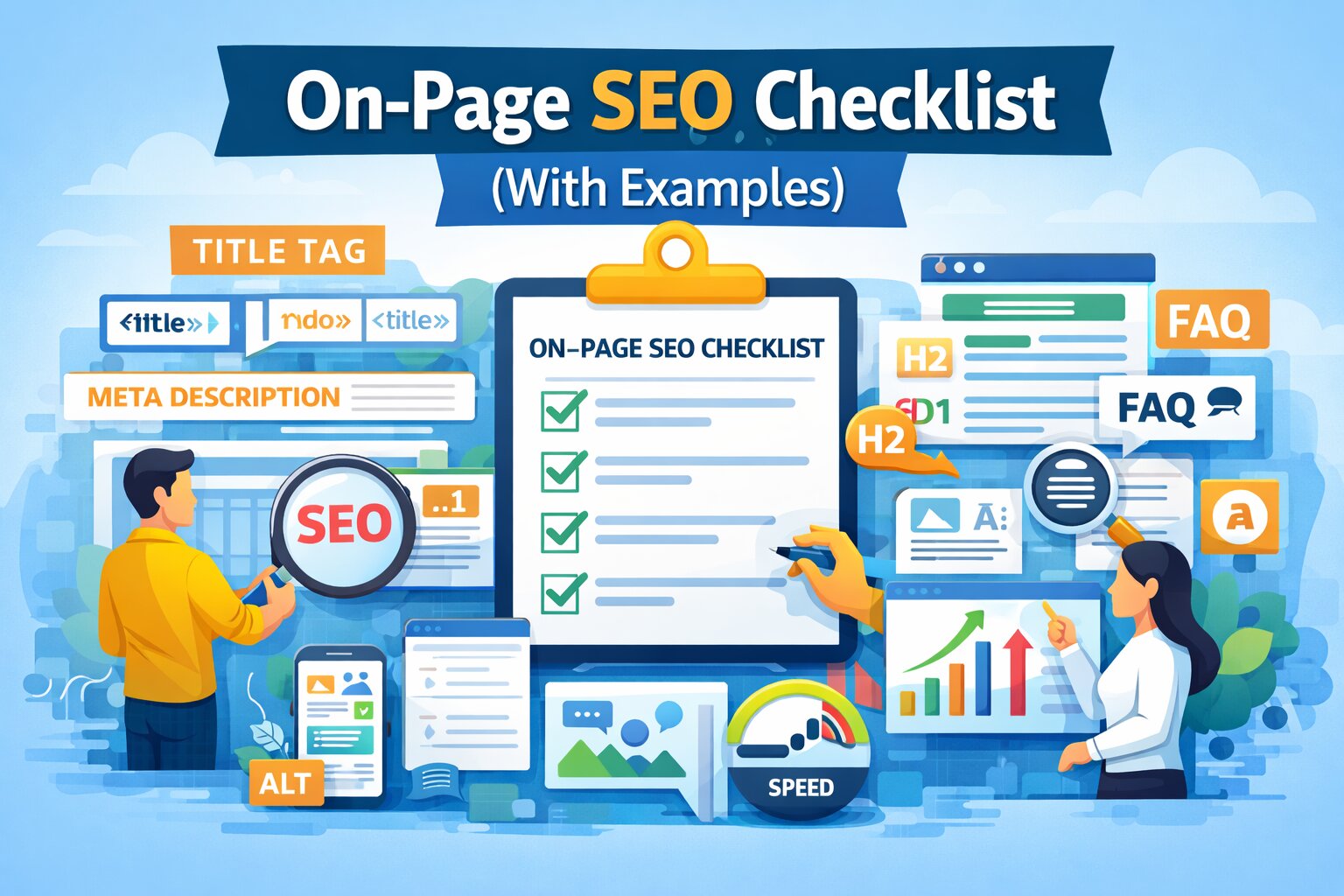
On-Page SEO Checklist: How to Improve Your Rankings in 2026
If your website content is not ranking, the problem is often on-page SEO. It is the bridge that helps search engines understand your content and decide where it should rank on the SERPs (Search Engine Results Pages).
In this guide, you’ll learn a complete on-page SEO checklist with real examples you can apply immediately. If you are new to SEO, start with our Website SEO Audit Guide to understand the full process.
What is On-Page SEO?
On-page SEO refers to the practice of optimizing individual web pages to rank higher and earn more relevant traffic. Key elements include:
- Title tags
- Meta descriptions
- Heading structure (H1-H6)
- Content quality
- Internal linking
- Image optimization
It directly impacts how your pages rank. If your website is still struggling, read Why Your Website Is Not Ranking on Google.
Why On-Page SEO Matters
Proper optimization ensures that search engines can accurately index your site. Good on-page SEO helps:
- Improve keyword relevance and topical authority.
- Increase Click-Through Rate (CTR) from search results.
- Enhance user experience (UX) and dwell time.
- Boost overall search visibility.
The Complete On-Page SEO Checklist (With Examples)
1. Optimize Your Title Tag
Your title is the first impression. Keep it under 60 characters to avoid being cut off.
Bad Example: Home Page
Good Example: AI SEO Audit Tool for Small Businesses | Ranknova
2. Write a Compelling Meta Description
While not a direct ranking factor, meta descriptions heavily influence CTR.
Example: "Scan your website for SEO issues and get AI-powered fixes instantly with Ranknova."
3. Use One H1 Tag Per Page
The H1 is your headline. It should contain your primary keyword and clearly define the page topic.
Bad: Welcome
Good: SEO Audit Tool for Small Businesses
4. Use Proper Heading Structure (H2 & H3)
Break your content into logical sections to improve readability and "scannability" for AI crawlers.
- H1: Main topic
- H2: Major sections
- H3: Subsections and supporting points
5. Use Keywords Naturally
Avoid keyword stuffing. Instead, use LSI (Latent Semantic Indexing) keywords and natural variations that answer user queries.
6. Optimize URL Structure
Keep URLs short, descriptive, and lowercase.
Bad: /seo?id=123
Good: /seo-audit-guide
7. Add Strategic Internal Links
Help users and bots find more of your content. Learn more in our SEO Audit Checklist or explore How to Find SEO Issues for deeper analysis.
8. Optimize Images for Speed and Accessibility
Don't ignore your visuals. Every image should have:
- Descriptive file names (e.g.,
on-page-seo-checklist.webp). - Alt text for accessibility and image search ranking.
- Compressed file sizes to maintain page speed.
9. Add an FAQ Section (GEO Boost 🔥)
Adding FAQs helps you appear in Google's "People Also Ask" and AI-driven snapshots.
Q: What is on-page SEO?
A: It is the process of optimizing page elements like content, headings, and meta tags to improve search rankings.
10. Use Schema Markup
Implement structured data (JSON-LD) like BlogPosting or FAQPage to give search engines a clear data map of your page.
Conclusion
On-page SEO is one of the most powerful levers you can pull to improve your visibility. By matching search intent and optimizing your technical structure, you turn your content into an asset that attracts traffic 24/7.
FAQ
Frequently Asked Questions
Quick answers pulled directly from this article for easier reading and better sharing previews.
What is on-page SEO?
It is the process of optimizing page-level elements to improve search rankings.
How important is on-page SEO?
It is one of the most important ranking factors.
How often should I optimize pages?
Whenever you update content or publish new pages.
What is the difference between on-page and technical SEO?
On-page focuses on content and structure, while technical SEO focuses on backend performance.