Why Your Website Is Not Ranking on Google (Fix Guide 2026)
If your website isn’t showing up on Google, you’re not alone.
Many website owners struggle with low rankings—even after creating content and optimizing pages. The truth is, SEO isn’t just about adding keywords. It’s about fixing the right problems.
In this guide, you’ll learn the real reasons why your website is not ranking—and exactly how to fix them.
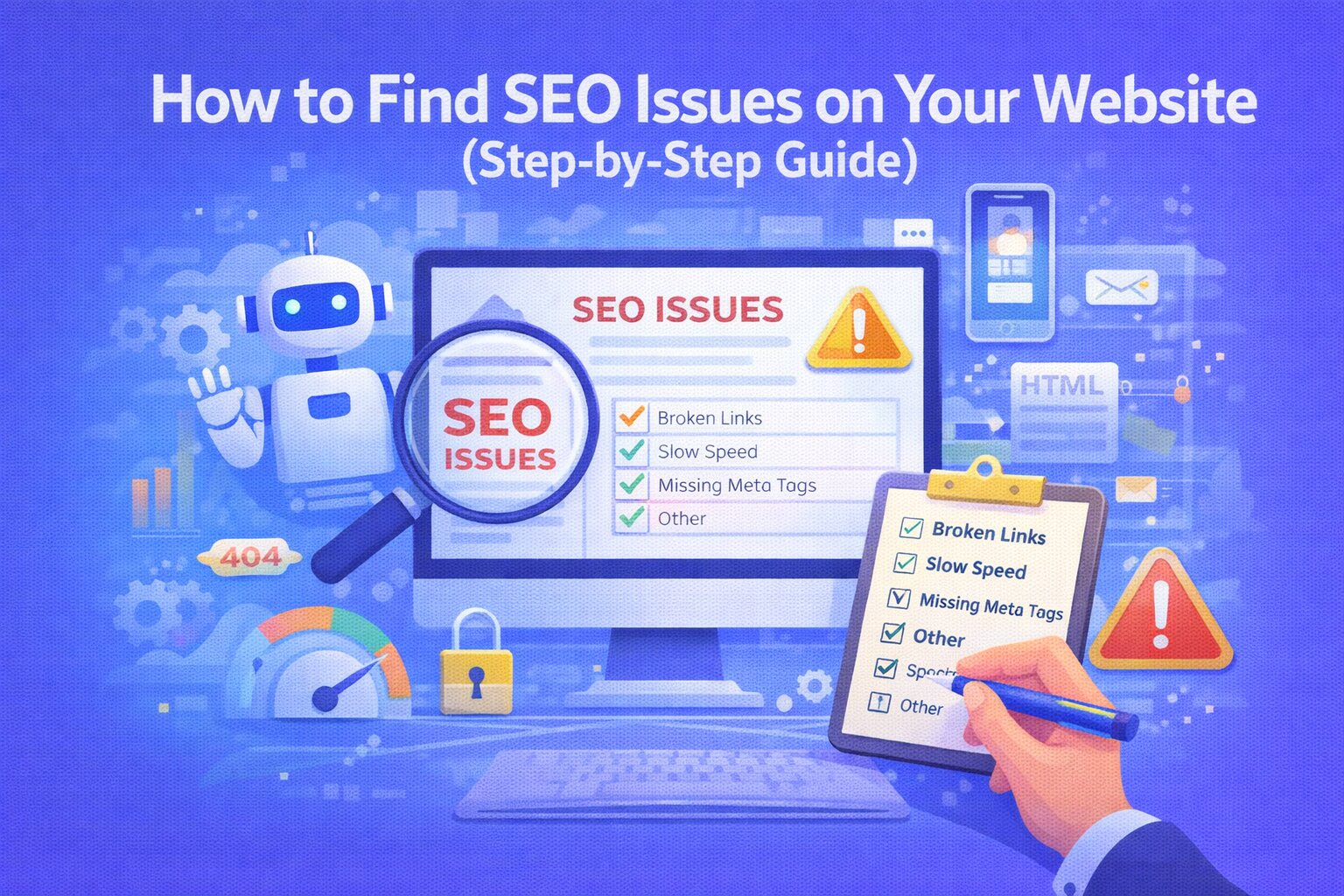
🚨 1. Your Website Has Technical SEO Issues
Google needs to crawl and understand your website.
If your site has technical problems, it won’t rank properly.
Common issues:
- Broken links
- Missing sitemap
- Incorrect robots.txt
- No canonical tags
Fix:
Run a technical SEO audit and fix all crawl errors.
🔍 2. You’re Missing Important Meta Tags
Meta tags help Google understand your page.
If your title or description is missing or weak, your rankings will suffer.
Fix:
- Write a unique title for every page
- Add a clear meta description
- Include your main keyword naturally
🧠 3. Weak Content (No Value)
Google ranks helpful content—not just keywords.
If your content is:
- too short
- unclear
- not solving user problems
👉 It won’t rank.
Fix:
- Write detailed, helpful content
- Answer real questions
- Use headings for structure
⚠️ 4. Wrong Keyword Targeting
You may be targeting keywords that are:
- too competitive
- not relevant
- not searched
Fix:
- Use long-tail keywords
- Focus on user intent
- Target specific problems
🔗 5. Poor Internal Linking
If your pages are not connected, Google can’t understand your site structure.
Fix:
- Link related pages
- Use meaningful anchor text
- Connect important pages
🐢 6. Slow Website Speed
Speed directly affects rankings and user experience.
If your site loads slowly, users leave—and rankings drop.
Fix:
- Compress images
- Remove unused scripts
- Use fast hosting
📱 7. Not Mobile-Friendly
Google uses mobile-first indexing.
If your website isn’t optimized for mobile, it will rank lower.
Fix:
- Use responsive design
- Test on mobile devices
- Improve usability
🤖 8. No AI / GEO Optimization
SEO is changing.
Now, you also need to optimize for AI search (ChatGPT, Perplexity).
If your content is not clear and structured, AI tools won’t pick it up.
Fix:
- Add FAQ sections
- Provide clear answers
- Structure content properly
📊 9. No SEO Audit or Tracking
If you’re not tracking, you’re guessing.
Without data, you don’t know what’s wrong.
Fix:
Use tools like Ranknova to:
- detect SEO issues
- track performance
- get actionable fixes
🚀 How to Fix Your Rankings Fast
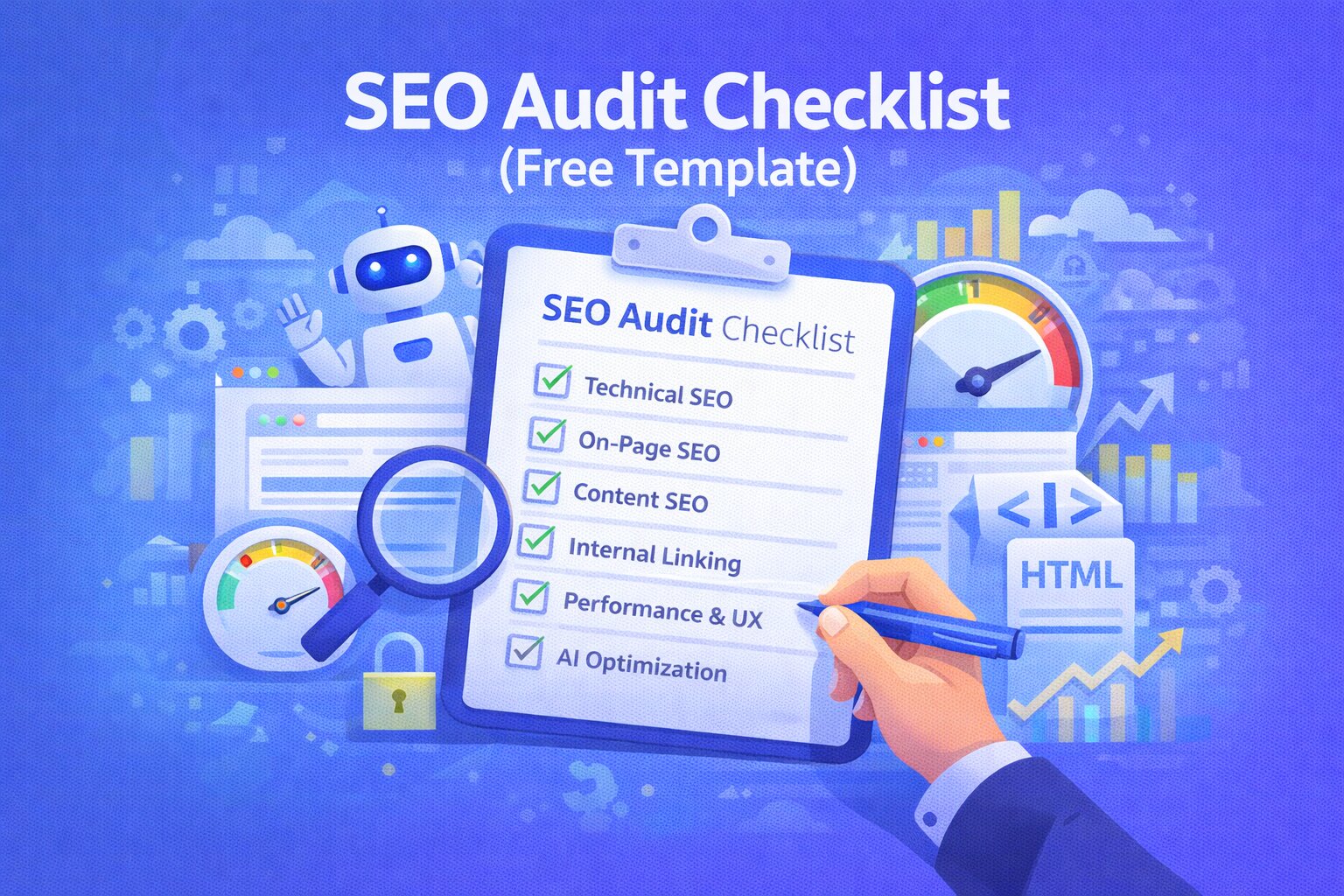
Follow this simple plan:
- Run a full SEO audit
- Fix high-impact issues first
- Improve content quality
- Add internal links
- Optimize for AI search
- Track progress weekly
🧠 Pro Tip
SEO takes time.
If your website is new, it may take weeks or months to rank—but fixing the right issues speeds up results.
🎯 Conclusion
If your website isn’t ranking, it’s not random.
There are clear reasons—and clear fixes.
Focus on:
- fixing technical issues
- improving content
- optimizing structure
And you’ll start seeing results.
🚀 CTA
👉 Run your free SEO audit with Ranknova and find out exactly why your website is not ranking.
FAQ
Frequently Asked Questions
Quick answers pulled directly from this article for easier reading and better sharing previews.
Why is my website not ranking on Google?
Because of technical issues, weak content, or poor optimization.
How long does it take to rank on Google?
Usually a few weeks to months depending on competition and SEO quality.
Can I rank without backlinks?
Yes, especially with strong content and proper SEO.
What is the fastest way to improve rankings?
Fix high-impact SEO issues and improve content quality.