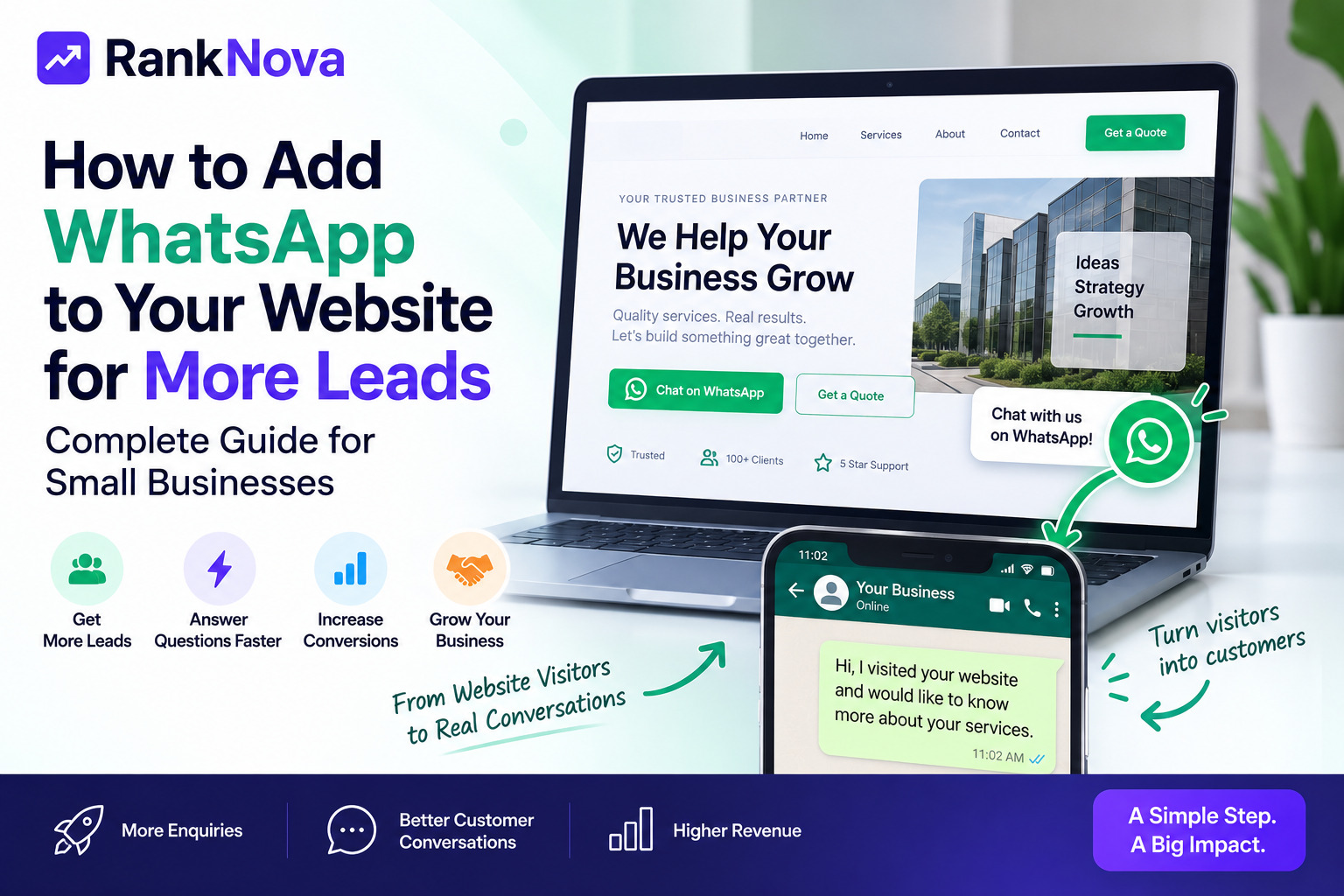
How to Add WhatsApp to Your Website for More Leads: Complete Guide for Small Businesses
Getting visitors to your website is only half the job.
The real goal is turning those visitors into enquiries, conversations, and eventually customers.
For many small businesses, one of the easiest ways to reduce the gap between a website visit and a customer conversation is WhatsApp.
Instead of asking visitors to complete a long contact form and wait for a reply, you can let them start a WhatsApp conversation directly from your website.
A simple Chat on WhatsApp button can be especially useful for local businesses, service companies, consultants, manufacturers, B2B sellers, e-commerce businesses, agencies, and other businesses where customers normally have questions before buying.
In this guide, we'll explain how to add WhatsApp to your website, create click-to-chat links, use pre-filled messages, choose the right button placement, and build a better WhatsApp lead-generation flow.
Why Add WhatsApp to Your Website?
Imagine someone visits your website and likes your service.
They have one simple question:
How much does this cost?
Your website gives them two options:
- Fill out a contact form.
- Click WhatsApp and immediately start a conversation.
For many visitors, WhatsApp is the easier action.
Adding WhatsApp can help businesses:
- Make contacting the business easier
- Capture enquiries from mobile visitors
- Answer questions quickly
- Discuss products and services directly
- Share quotations and catalogues
- Follow up with interested customers
- Reduce friction in the enquiry process
WhatsApp should not replace every contact method. Instead, it can work alongside phone, email, forms, and other conversion channels.
1. Set Up WhatsApp Business
For business use, consider using WhatsApp Business rather than treating customer conversations like personal messaging.
Depending on your setup, WhatsApp Business can help you maintain business information and organize customer communication.
Before adding WhatsApp to your website, make sure the number you want customers to contact is ready to receive business enquiries.
Your website visitors should reach the correct sales, support, or business account rather than an unrelated personal number.
2. Create a WhatsApp Click-to-Chat Link
One of the simplest ways to add WhatsApp to a website is using a click-to-chat link.
The basic format is:
https://wa.me/COUNTRYCODEPHONENUMBER
For example, if your Indian business number is 9876543210, you would use the country code 91:
https://wa.me/919876543210
Do not include spaces, brackets, or a + sign in the number inside the URL.
When a visitor clicks the link, WhatsApp can open a conversation with that number.
3. Add a Pre-Filled WhatsApp Message
A basic WhatsApp link works, but a pre-filled message can make the experience better.
Instead of opening an empty chat, you can give visitors a ready-to-send message.
For example:
Hi, I visited your website and would like to know more about your services.
A click-to-chat URL with a pre-filled message can look like:
https://wa.me/919876543210?text=Hi%2C%20I%20visited%20your%20website%20and%20would%20like%20to%20know%20more.
The message is URL encoded so spaces and special characters work correctly.
This small improvement gives your sales team useful context immediately.
4. Add a Simple WhatsApp Button
You can add the WhatsApp link to a normal HTML button or anchor element.
Example:
<a href="https://wa.me/919876543210?text=Hi%2C%20I%20visited%20your%20website" target="_blank" rel="noopener noreferrer">Chat on WhatsApp</a>
You can style this button according to your website design.
Good CTA text includes:
- Chat on WhatsApp
- WhatsApp Us
- Ask on WhatsApp
- Get a Quote on WhatsApp
- Talk to Sales
- Check Availability
- Request Pricing
The best wording depends on the page and the visitor's intent.
5. Add a Floating WhatsApp Button
A floating WhatsApp button stays visible while visitors browse your website.
You have probably seen this on many business websites: a WhatsApp icon appears in the bottom-right corner of the screen.
This can work well because visitors do not need to search for the contact page when they decide to ask a question.
A simple implementation could look like:
<a class="whatsapp-button" href="https://wa.me/919876543210" target="_blank" rel="noopener noreferrer">WhatsApp</a>
Then position it using CSS:
.whatsapp-button { position: fixed; right: 20px; bottom: 20px; z-index: 9999; }
Your final implementation should also consider accessibility, mobile screen size, cookie banners, and other floating UI elements.
6. Don't Use the Same Message on Every Page
This is one of the biggest opportunities when using WhatsApp for lead generation.
Suppose your business offers three services:
- SEO services
- Website development
- Social media marketing
If someone clicks WhatsApp from the SEO page, your pre-filled message could say:
Hi, I'm interested in your SEO services and would like more information.
From the website development page:
Hi, I'm looking for a new website and would like to discuss my requirements.
And from the social media page:
Hi, I'd like to know more about your social media management services.
Now your team immediately knows what the visitor is interested in.
7. Use WhatsApp for Product Enquiries
WhatsApp can also work well on product pages.
For example, a product page could have:
Ask About This Product on WhatsApp
The pre-filled message can include the product name or SKU:
Hi, I'm interested in Product ABC. Can you share price and availability?
For B2B businesses, you could use:
Hi, I need a quotation for Product ABC for 100 units. Please share pricing and availability.
This can make WhatsApp particularly useful when prices depend on quantity, location, customization, or availability.
8. Use WhatsApp for Service Businesses
For service businesses, the WhatsApp CTA should match what the customer actually wants.
Instead of a generic Contact Us, try:
- Get Free Consultation
- Request a Quote
- Check Service Availability
- Discuss Your Requirement
- Book an Appointment
- Talk to an Expert
For example:
Hi, I need a website SEO audit. My website is: ______
This encourages the visitor to provide useful information in the first message.
9. Add WhatsApp to High-Intent Pages
You do not necessarily need an aggressive WhatsApp popup everywhere.
Prioritize pages where visitors are more likely to make a decision.
These can include:
- Homepage
- Contact page
- Pricing page
- Service pages
- Product pages
- Product category pages
- Location pages
- Landing pages
- Quote request pages
You can also add contextual WhatsApp CTAs inside relevant blog posts.
10. Add WhatsApp to Your Mobile Website
WhatsApp is especially useful for mobile visitors because they may already have WhatsApp installed.
Make sure your WhatsApp button:
- Is easy to tap
- Does not cover important content
- Does not overlap cookie notices
- Does not interfere with navigation
- Opens the correct number
- Uses a clear CTA
Always test the complete flow on both Android and iPhone if they are important to your audience.
11. Track WhatsApp Button Clicks
Adding the button is not enough.
You should measure whether visitors actually use it.
You can track events such as:
whatsapp_clickwhatsapp_product_enquirywhatsapp_quote_requestwhatsapp_pricing_click
Analytics can help answer questions like:
- Which page generates the most WhatsApp clicks?
- Which service gets the most enquiries?
- Are mobile visitors clicking more often?
- Which landing pages generate conversations?
This allows you to improve your website based on actual visitor behavior.
12. Use UTM or Page Context Carefully
Your team should know where a lead came from.
Instead of every WhatsApp message saying only:
Hi
use context such as:
Hi, I found your SEO service page and would like a quotation.
For product enquiries:
Hi, I'm interested in Euronics EH26NW from your website.
This makes conversations easier to qualify and can help you understand which pages are generating useful enquiries.
13. Respond Quickly
Adding WhatsApp only helps if someone actually handles the conversations.
If visitors click Chat on WhatsApp and receive no response for a long time, the conversion opportunity can disappear.
Create a simple internal process for:
- New enquiries
- Sales questions
- Product enquiries
- Support requests
- Quotations
- Follow-ups
If you cannot respond immediately, use appropriate business messaging features to set expectations about response times.
14. Don't Make WhatsApp Annoying
A WhatsApp button should make your website easier to use, not harder.
Avoid:
- Huge popups immediately after page load
- Multiple WhatsApp buttons on the same screen
- Buttons covering important mobile content
- Fake chat notifications
- Misleading 'online now' messages
- Automatically opening WhatsApp without user action
A simple visible button is often enough.
15. WhatsApp vs Contact Forms: Which Is Better?
You do not necessarily need to choose one.
Use both.
Contact forms are useful when you need structured information such as:
- Name
- Company
- Budget
- Project requirements
WhatsApp is useful when customers want a quick conversation.
A strong contact section can therefore offer:
Fill the Form
or
Chat on WhatsApp
Visitors can choose the method they prefer.
16. WhatsApp for Local Businesses
WhatsApp can be particularly useful for local businesses where customers frequently ask about availability, pricing, appointments, or service areas.
Examples include:
- Restaurants
- Salons
- Clinics
- Repair services
- Interior designers
- Contractors
- Real estate businesses
- Local retailers
- Training institutes
- Professional services
For example, instead of only displaying a phone number, a local service business can add:
Check Availability on WhatsApp
This gives mobile visitors a quick path to start a conversation.
17. WhatsApp for B2B Businesses
WhatsApp is not limited to consumer businesses.
B2B websites can use it for:
- Bulk quotations
- Distributor enquiries
- Product availability
- Supplier discussions
- Catalogue requests
- Sample requests
- Dealer enquiries
- Corporate orders
For example:
Hi, I'm looking for 200 units of this product for my company. Please share your B2B price.
This can turn a product page into a direct sales conversation.
18. Create a Better WhatsApp Lead Flow
A good website-to-WhatsApp flow can look like this:
Visitor lands on website → Reads product/service page → Clicks WhatsApp CTA → Pre-filled message opens → Visitor sends enquiry → Team responds → Lead is qualified → Quote/demo is shared → Follow-up → Conversion
The goal is not simply to get WhatsApp clicks.
The goal is to create qualified conversations.
19. Optimize the Website Before Driving More Traffic
Adding WhatsApp can improve the conversion path, but it cannot fix a weak website by itself.
Before spending more money on SEO or advertising, make sure your website is technically healthy and easy to use.
Check areas such as:
- Crawlability
- Indexability
- Page speed
- Mobile usability
- Clear service information
- Strong calls to action
- Contact information
- Internal links
- Sitemap
- Robots.txt
RankNova's Website Crawl Test can help you check important crawlability and technical SEO signals before you invest further in traffic generation.
Run the free test here:
https://www.ranknova.in/website-crawl-test
WhatsApp Website Lead Generation Checklist
Before launching your WhatsApp integration, check:
- Use the correct business number
- Test the click-to-chat URL
- Add a clear CTA
- Create page-specific pre-filled messages
- Test desktop behavior
- Test mobile behavior
- Track WhatsApp clicks
- Don't cover important website content
- Add WhatsApp to high-intent pages
- Create a process for responding to leads
- Keep contact forms available where useful
- Measure which pages generate conversations
Final Thoughts
You do not always need a complicated chatbot or expensive lead-generation system to make your website easier to contact.
For many small businesses, a well-designed WhatsApp integration can create a simple path from website visitor to customer conversation.
The important part is implementation.
Don't just place a WhatsApp icon on every page.
Use clear calls to action, page-specific messages, analytics, fast responses, and a structured follow-up process.
And remember: WhatsApp helps convert visitors, but first you need visitors to discover and trust your website.
That is where strong SEO, technical website health, useful content, and a clear conversion strategy work together.
Check Your Website Before Generating More Leads
Before investing more in SEO, ads, or lead generation, make sure search engines can properly access your website.
Run RankNova's free Website Crawl Test to check crawlability, robots.txt, sitemap, crawler access, indexability signals, and technical SEO risks.
FAQ
Frequently Asked Questions
Quick answers pulled directly from this article for easier reading and better sharing previews.
How do I add WhatsApp to my website?
The simplest method is to create a WhatsApp click-to-chat link using wa.me and add it to a button or link on your website. You can also use a floating WhatsApp button.
How do I create a WhatsApp link for my website?
Use the format https://wa.me/ followed by your country code and phone number without spaces, brackets, or the plus sign. You can also add a URL-encoded pre-filled message using the text parameter.
Can I add a pre-filled WhatsApp message?
Yes. Pre-filled messages can tell you which product, service, or page the visitor is interested in and reduce the effort required to start a conversation.
Where should I put a WhatsApp button on my website?
Common locations include a floating button and contextual CTAs on the homepage, service pages, product pages, pricing pages, landing pages, and contact page.
Should I use WhatsApp or a contact form?
Many businesses benefit from offering both. WhatsApp is useful for quick conversations, while forms are better when you need structured information from the lead.
Can WhatsApp help B2B websites generate leads?
Yes. B2B businesses can use WhatsApp for quotation requests, bulk orders, product availability, catalogue requests, samples, distributor enquiries, and supplier conversations.
Can I track WhatsApp leads from my website?
You can track WhatsApp button clicks as analytics events and use page-specific messages to understand which pages, products, or services are generating enquiries.